

SWC Forums
Pull up a chair...let's talk fishing.

i tried to download some pics, and it said 1 mb max. i guess here comes the stupid question, how do i downsize something that i dont know the original size of? its a panasonic DMC-TZ1 digital camera with a 1 gb card that i just attatched to the computer and downloaded the pics. i think they downloaded onto something called adobe program. any help would be much appreciated. by the way if these pics go through please dont laugh they were the first fish i caught on my boat 4 yrs ago.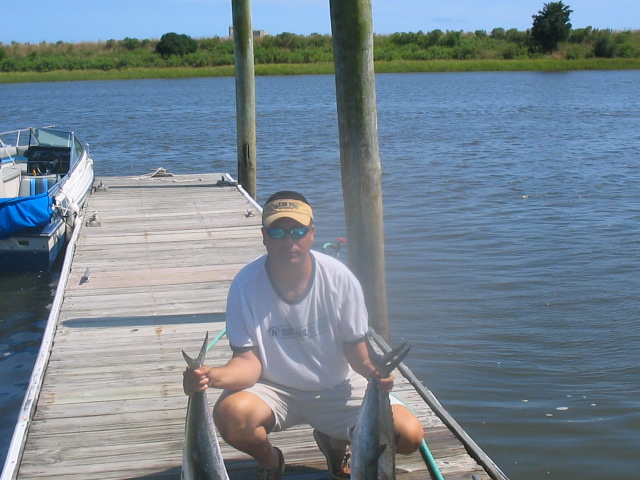

Robby,
Open the Picture is your Image Program. (I bet one came with your camera and when you double click in the file name it will open it for you.) Then hit edit....and I bet there is something called Resize. Make them 400x300 for lanscape and 300x400 for up and down.
Dave
the only thing on the edit page is a page about color changes and rotation devices. thanks for the fast reply dave. i am going to see if someone from my wives office can help out.

If you have Microsoft Office on your system, open "Office Picture Manager", click "file" - "open", and "Browse" locate your photo and open it up. In the menu at the, top click "Picture" then "Resize". You can then resize it on the right side of your screen. If you plan on using the photo again in the future, do a "Save as" in order to keep a copy at the original size too.